Multi-Model Support
Gemini, OpenAI, Ollama & more
Core
A desktop coding agent that reads, writes, and diffs your project files directly on disk — connect any model, describe what to build, and let it run.
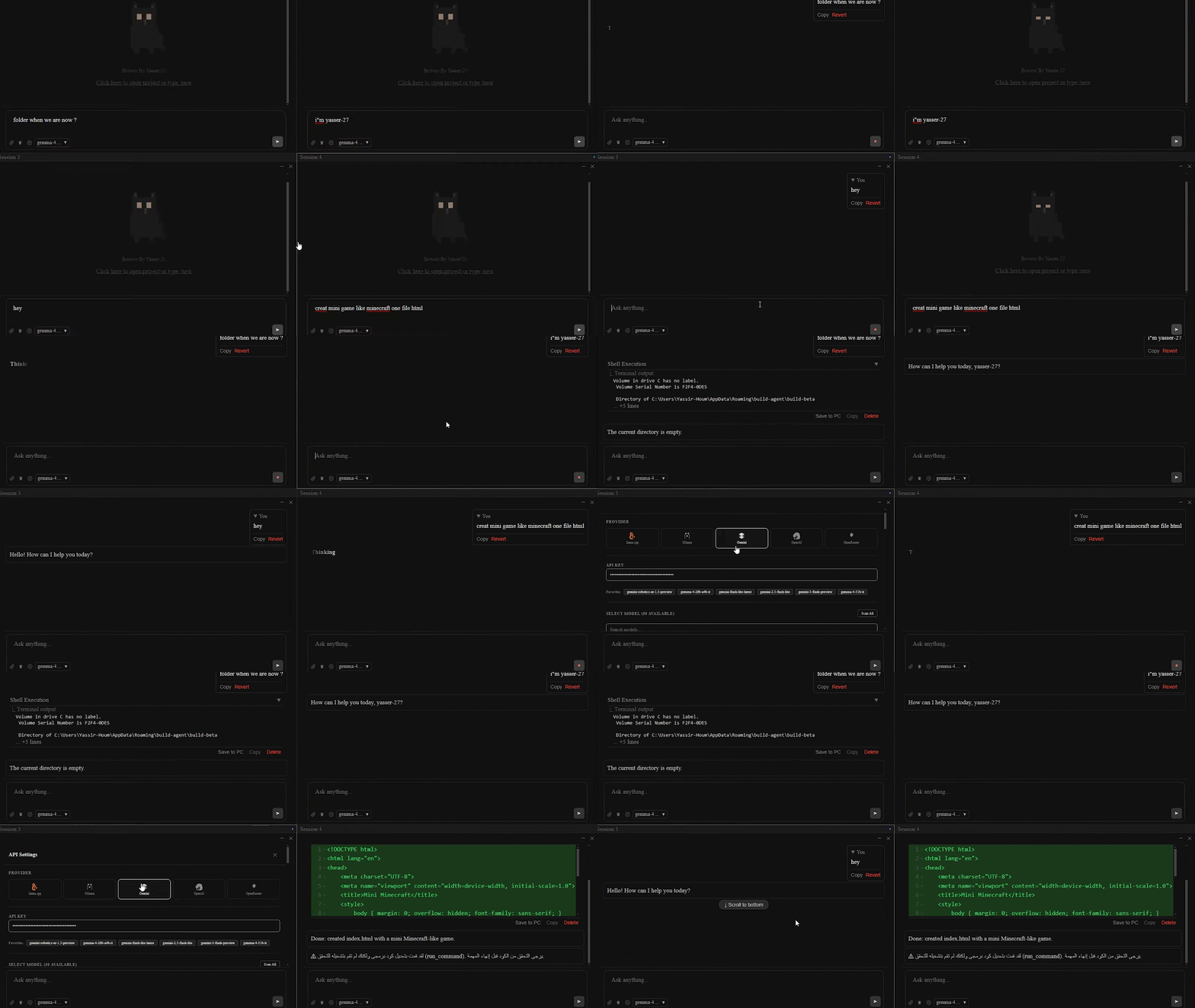
Multi-model, multi-session, and built to keep your project files honest.
Gemini, OpenAI, Ollama & more
4-pane view (F10)
Direct disk read/write/diff
Rollback file changes
Auto compaction & pruning
Exponential backoff
Gemini, OpenAI, Ollama & more
4-pane view (F10)
Direct disk read/write/diff
Rollback file changes
Auto compaction & pruning
Exponential backoff
Experimental integration
Define AI behavior
Manage multiple prompts
Enhanced control
Effortless updates
Experimental integration
Define AI behavior
Manage multiple prompts
Enhanced control
Effortless updates
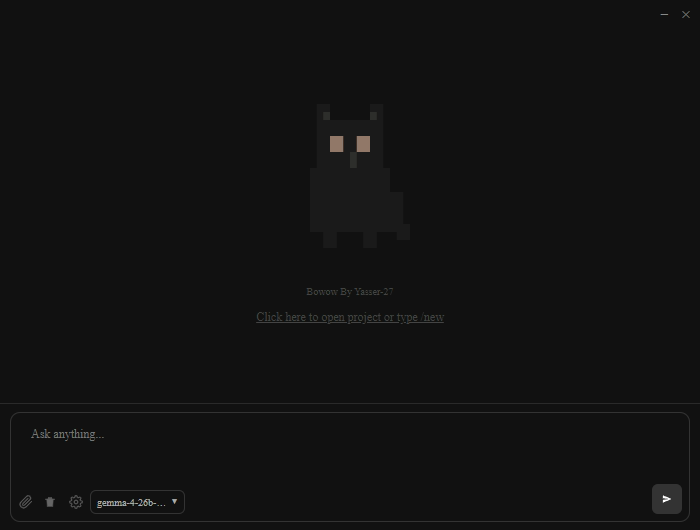
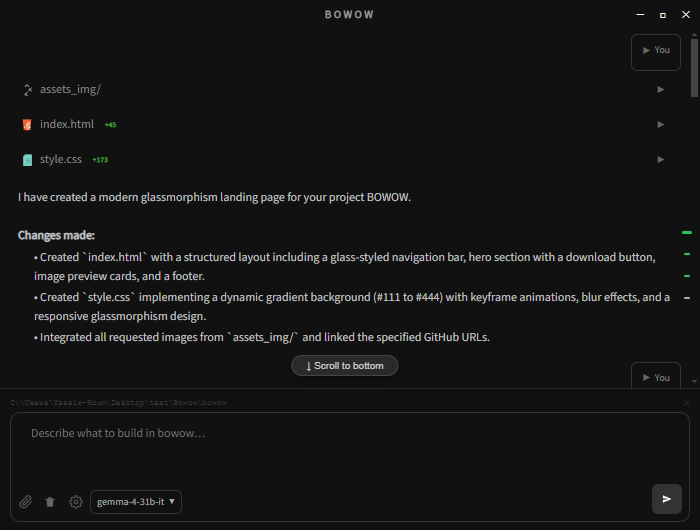
Open Settings, add your AI provider and API key, then click Done.
Gemini, OpenAI, Ollama, or any supported backend.
Use /new to open a project folder.
The agent generates files, edits code, and runs commands.
Press F10 to toggle split-screen mode.